.png?width=300&height=300&name=Untitled%20design%20(6).png)
How to: Perform Manual Entries on a Valor Terminal Set Up for Pin Pad
This feature is helpful for merchants who frequently process manual entries but prefer entering card details directly on the terminal instead of using the pin pad.
- If your terminal is set up for a pin pad, you will see a P inside a circle at the top of the screen.
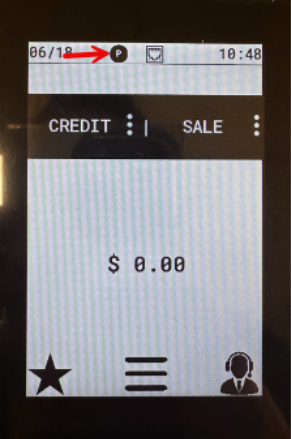
- Before entering the transaction manually, tap the P button. The icon will change to a white circle.
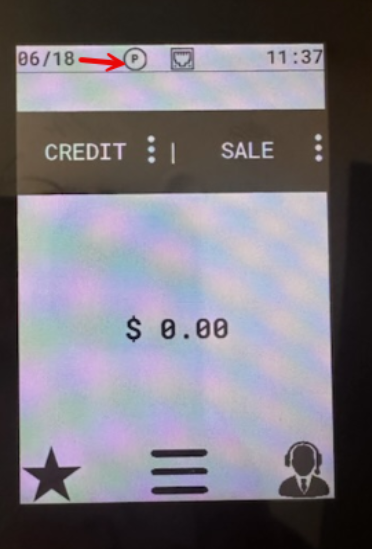
- This enables manual entry directly on the terminal rather than through the pin pad.
- Enter the transaction details manually as prompted.
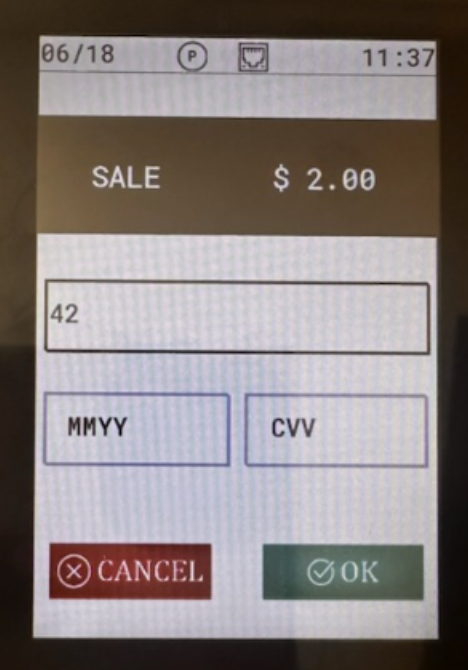
- Once the transaction is complete, the terminal will automatically return to its standard pin pad processing mode.