.png?width=300&height=300&name=Untitled%20design%20(6).png)
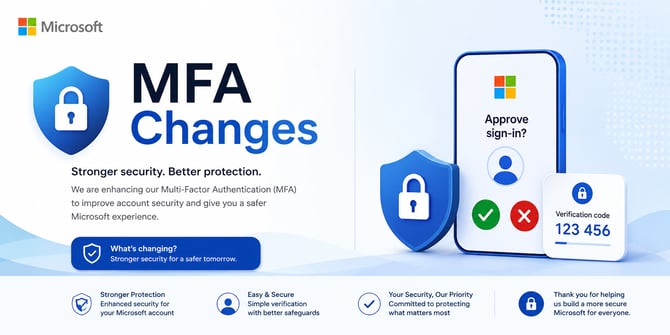
We recently sent an email about an important change to Microsoft Multi-Factor Authentication (MFA). If you haven't updated your authentication method yet, now is the time to do it.
As of September 1, 2026, Microsoft is moving users away from text messages (SMS) and voice calls for MFA.
Still Using Text or Voice for MFA?
If you haven't updated your MFA method, Microsoft may prompt you to set up a passkey the next time you sign in.
While passkeys are secure, they may not be the most convenient option if you regularly switch between your laptop, phone, tablet, or other devices.
Our Recommendation: Set Up an Authenticator App
We recommend using an Authenticator App.
For our sales teams who are frequently working from different devices and locations, an Authenticator App provides a secure and flexible way to verify your identity and keep working.
Already use an authenticator app? Great. You may be able to use the app you already have. You do not need Microsoft Authenticator specifically.
Compatible options may include:
- Microsoft Authenticator
- Google Authenticator
- 2FAS Authenticator
- Authy
Why Do We Recommend It?
The biggest benefit is flexibility.
Some passkeys are tied to the device where they were created. If you're moving between devices, this could create an extra step when you need to sign in.
An Authenticator App can be a more convenient option for employees or agents who need reliable access while working across multiple devices.
What Should You Do?
If you're still using text or voice for MFA, set up an Authenticator App as soon as possible.
Refer to the email previously sent for the Authenticator App and Passkey Setup Instructions. The guide walks you through the process step by step and includes links to Microsoft's official instructions.
A few minutes of setup now can help avoid a sign-in issue when you're trying to get to a customer, quote, meeting, or deal.